Privacy & Safety
Passwords, suspicious websites, and backing up before a reset.

How to Speed Up a Slow Windows 10 or 11 PC
A slow laptop is usually startup apps, a full disk, or one process eating RAM. Work through these checks in order before you buy anything.

How to Free Up Disk Space on Windows Without Deleting Your Photos
Windows fills C: with updates, recycle-bin leftovers, and temp files. Here is a safe order to reclaim gigabytes.

How to Fix Windows Search When the Bar Does Nothing
When the search box will not open apps or find files, it is usually the search index or a stuck SearchHost process — not a broken keyboard.
How to Boot Into Safe Mode on Windows 11
Safe Mode loads Windows with only the basics. Use it when a driver, update, or startup program keeps crashing the desktop.
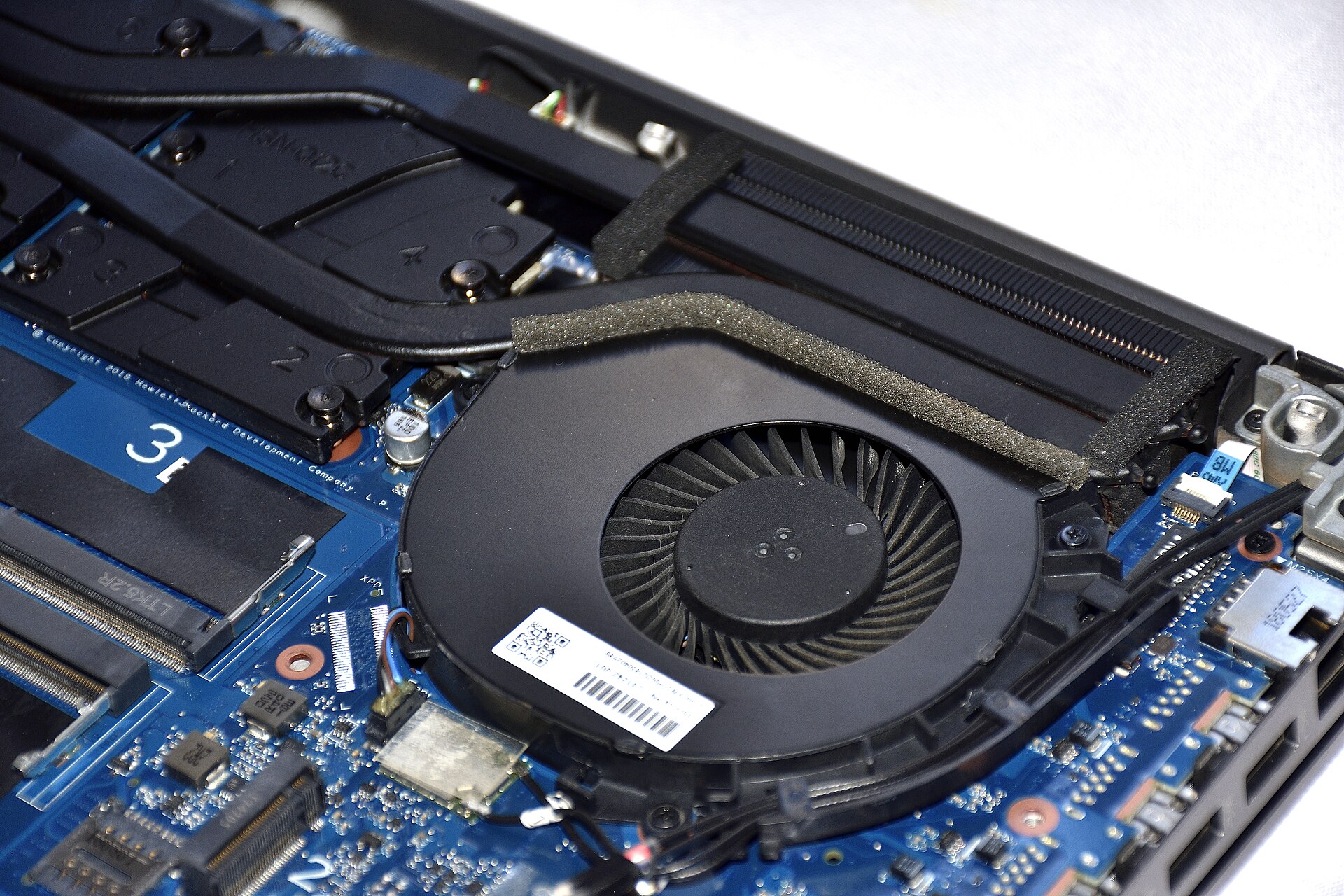
How to Stop a Laptop From Overheating and Shutting Down
Heat is dust, a blocked vent, or a process pinning the CPU. Cool it down first, then find what is burning the fan.
How to Uninstall a Program That Will Not Uninstall
When Settings says the uninstaller failed, use the program’s own remover, then Apps & Features, then a clean leftover pass.
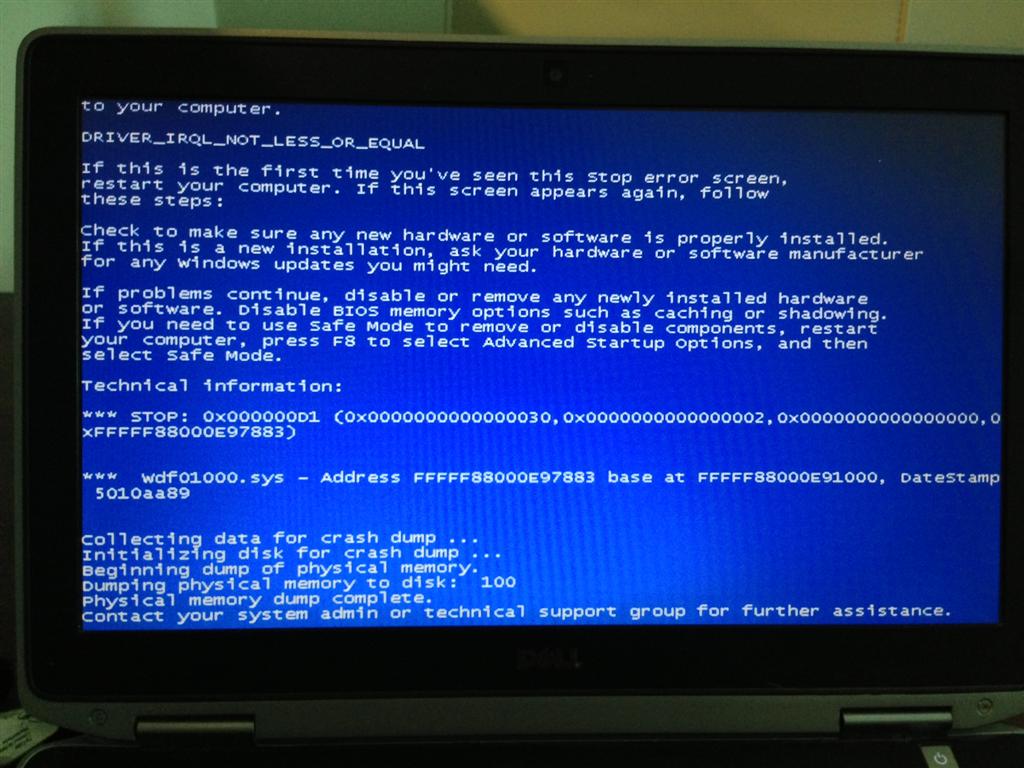
How to Fix “This App Can’t Run on Your PC”
That message is usually a 32-bit vs 64-bit mix-up, a blocked publisher, or Smart App Control — not a dead download.
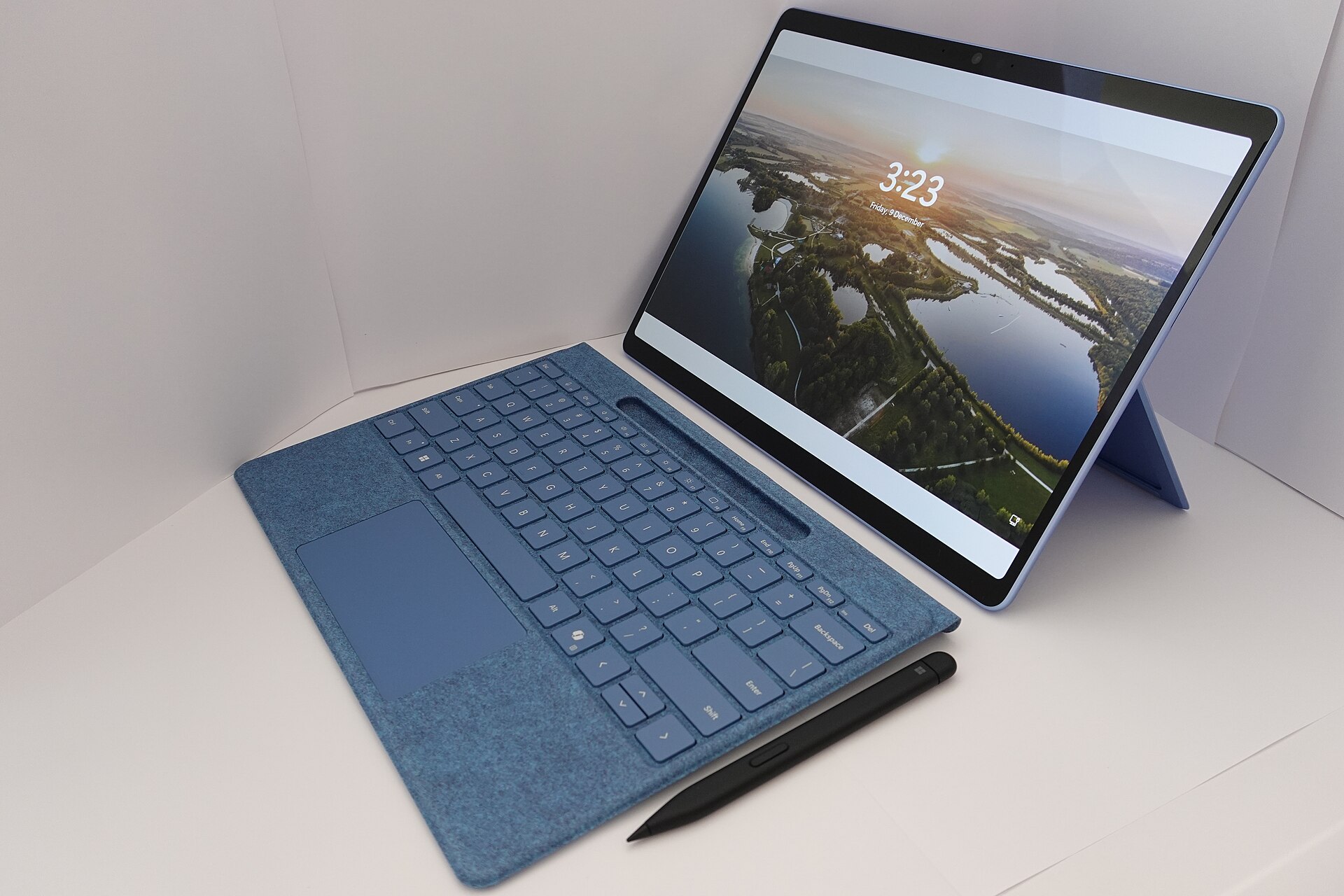
How to Take a Screenshot on Windows 10 and 11
Snipping Tool, Win + Shift + S, Print Screen, and Xbox Game Bar each save a different kind of shot. Use the one that matches the job.

How to Record Your Screen on Windows (No Extra Software)
Windows already has two recorders: Snipping Tool and Xbox Game Bar. Here is when to use each and where the file lands.

How to Copy and Paste in Command Prompt and Windows Terminal
Ctrl + C does not paste in the old Command Prompt. Here is the keyboard and right-click method that actually works.